Site Data Authentication
Walrus Sites authenticate the data that is served on the client side from the Walrus storage, guaranteeing with various degrees of confidence depending on the setup, that the site data is authentic and has not been tampered with by a malicious aggregator.
The Walrus Sites resource object on Sui stores a SHA-256 hash of the resource's content alongside the resource information.
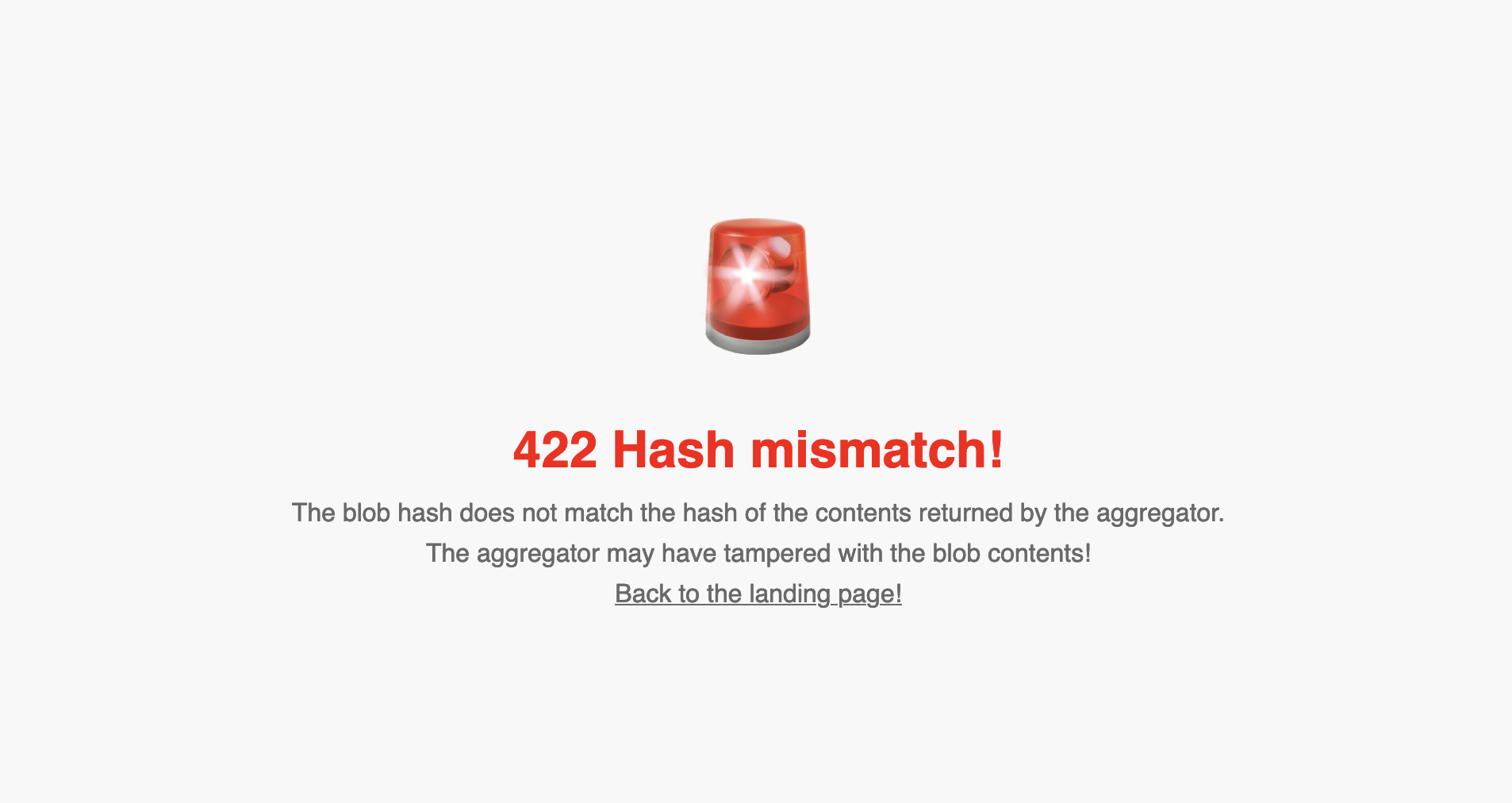
When you request a resource, a Walrus Sites portal checks that the hash of the data received from the Walrus storage and the Walrus aggregator matches the hash stored on Sui. If the hashes do not match, the portal returns the following warning page:
Authentication guarantees
Depending on the type of deployment, this technique gives increasing levels of confidence that the site data is authentic.
-
Remote server-side portal deployment: You must fully trust the portal provider to authenticate the data. With a trusted portal, the authentication mechanism guarantees that the aggregator or cache from which the blob has been fetched did not tamper with the contents of the blob.
-
Remote service-worker portal deployment: The portal provider is only trusted to provide the correct service worker code to you. Your browser then performs the fetching and authentication. The guarantees are the same as the remote server-side portal, with the addition that you can inspect the code returned by the portal provider and verify its integrity, for example, by comparing the hash of the service worker code to one that is known to be correct.
-
Local portal deployment: You can clone the Walrus Sites repository and deploy a portal locally to browse Walrus Sites through
localhost. In this case, you have full control over the portal code and can verify its operation. Therefore, you can fully authenticate that the data served by Walrus and Walrus Sites is what the original developer intended.